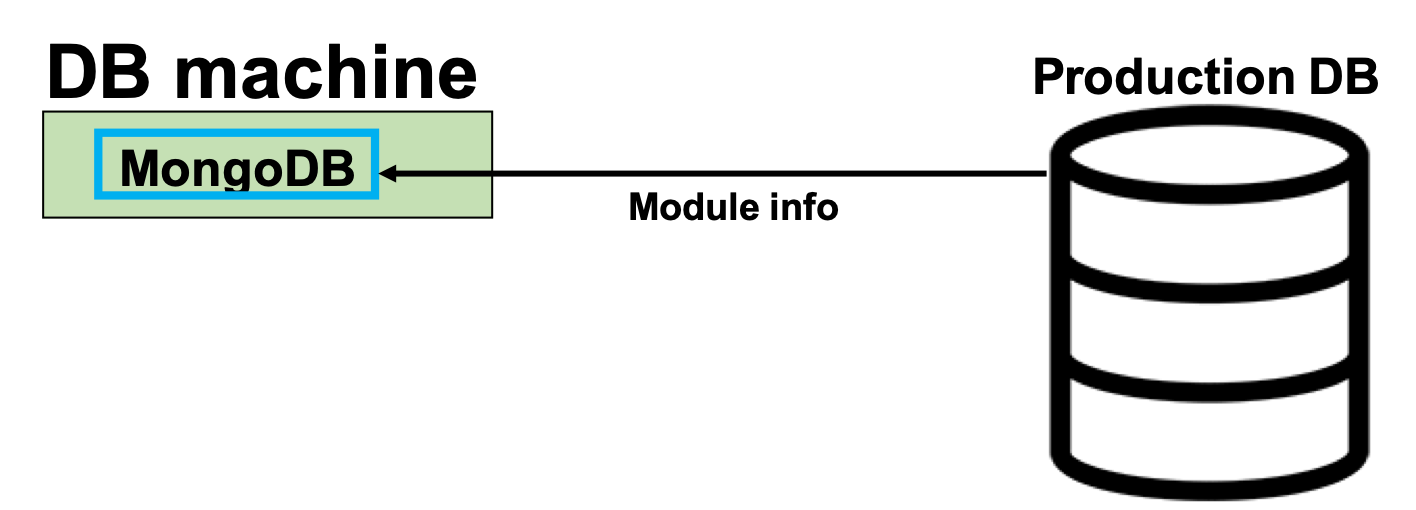
Download the module ID infos from the Production DB
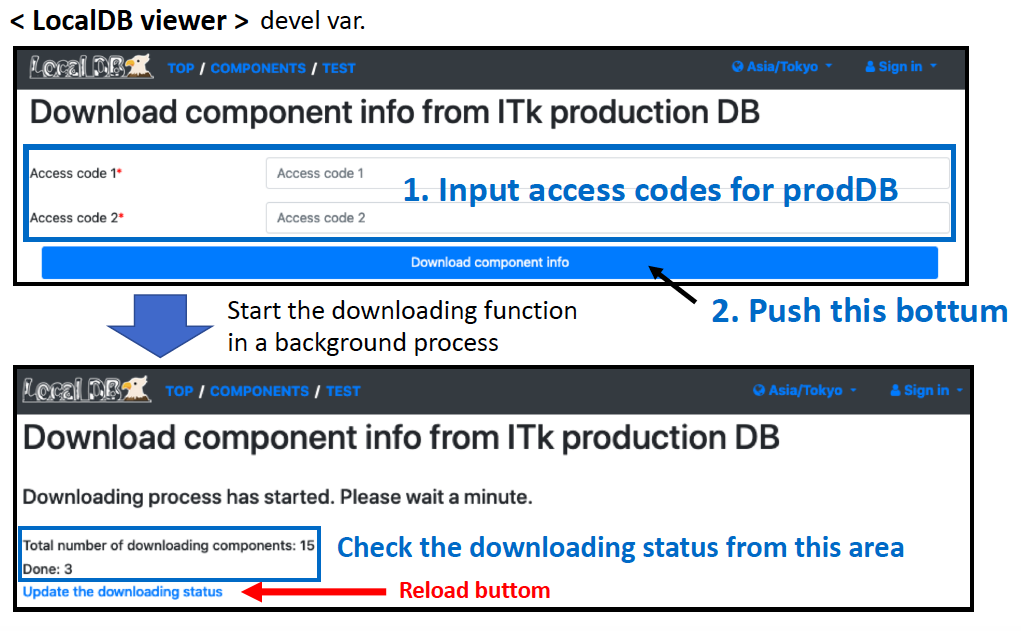
Download component information from Production DB
Download the component data from Production DB.
Go to the downloading page http://127.0.0.1:5000/localdb/download_component
Input LocalDB admin's username and password for "Authentication Required".
Basically, admin only can go to this page and use the interfacing functions between prodDB and LocalDB.
Follow the instruction bellow to download module from prodDB:
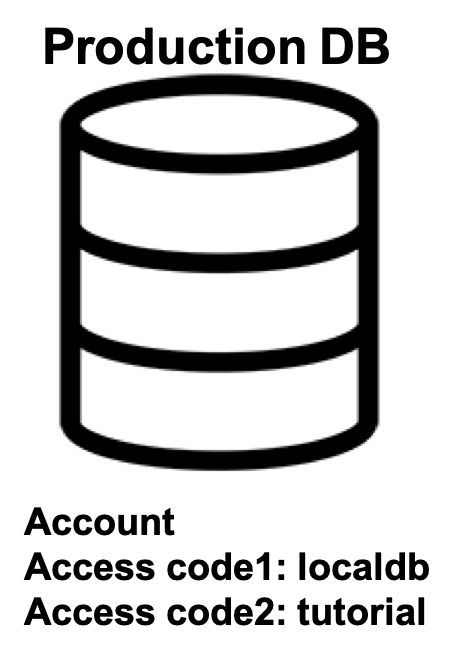
You can check the downloaded component data using Viewer Application.
Check http://127.0.0.1:5000/localdb/components on your browser,
and you can find the components with ATLAS serial numbers.
We use an RD53A module's property in this tutorial.
The device's serial number is "20UPGRS0000009" or "20UPGRS0000010", the chip's serial number is "20UPGRA0000026" or "20UPGRA0000027". Check the information in the viewer.
Go to next step.
Hook-up the module to the devices and Run the DCS controller